- Authors

- Name
- Nadim Tuhin
- @nadimtuhin
On this page
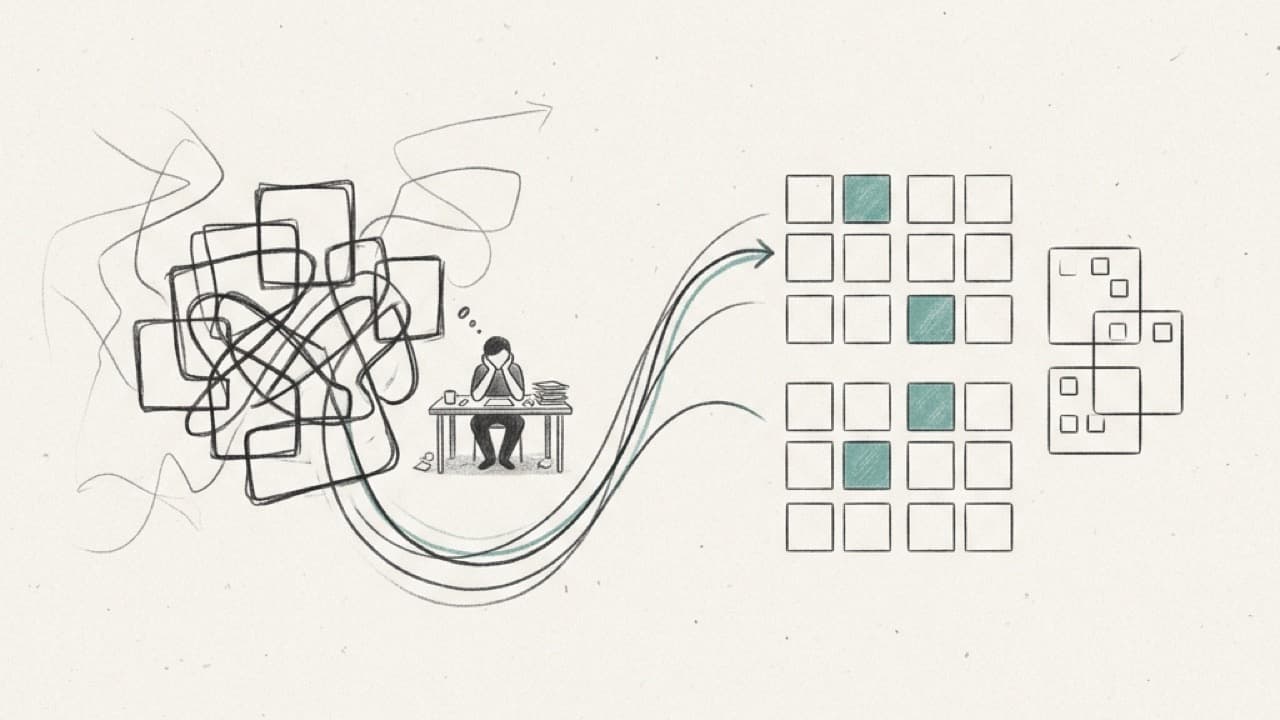
In November 2016 I was supposed to build a WebRTC calling feature for a chat app. It felt big, and I didn't want to start it.
So I built a memory game instead.
All 35 original commits landed between November 21 and November 30, producing a ~14KB production bundle with zero external UI dependencies.

Memory Booster is small. A grid appears, some squares light up one by one, and then you click every lit square from memory. Find them all and the next round adds a gem or grows the grid. Click a wrong one and it's game over.
I reopened it this year to clean it up for open source. These are my notes from reading my own code ten years later.
Why MobX
I was tired of Redux boilerplate for small apps. Action types, action creators and reducers felt like a lot for a toy. MobX let me write a plain class, mark fields as observable, and change them directly.
The whole game model is one class in src/Models/Blocks.js:
export default class Blocks {
  @observable blocks = []
  @observable gems = []
  @observable level = 0

  @computed get currentLevel() {
    const [length, gems] = this.levels[this.level]
    return { gems, length }
  }

  @action generate() {
    const blocks = this.generateBlocks()
    this.gems = sampleSize(blocks, this.currentLevel.gems)
  }
}
levels is a list of 24 [gridSize, gemCount] pairs, from a 3 by 3 grid with 2 gems up to 8 by 8 with 12. generate() picks random cells with lodash sampleSize, and draw() turns every cell into { selected, id, gem }.
Going up a level is just this.level = this.level + 1. Any component that read currentLevel re-rendered on its own.
The catch: decorators weren't standard JavaScript then, and they still aren't in that form. The repo uses babel-plugin-transform-decorators-legacy on an ejected Create React App setup, which is why it still carries a webpack 1 config.
The game loop
There are two game screens, and react-router 3 moves between them.
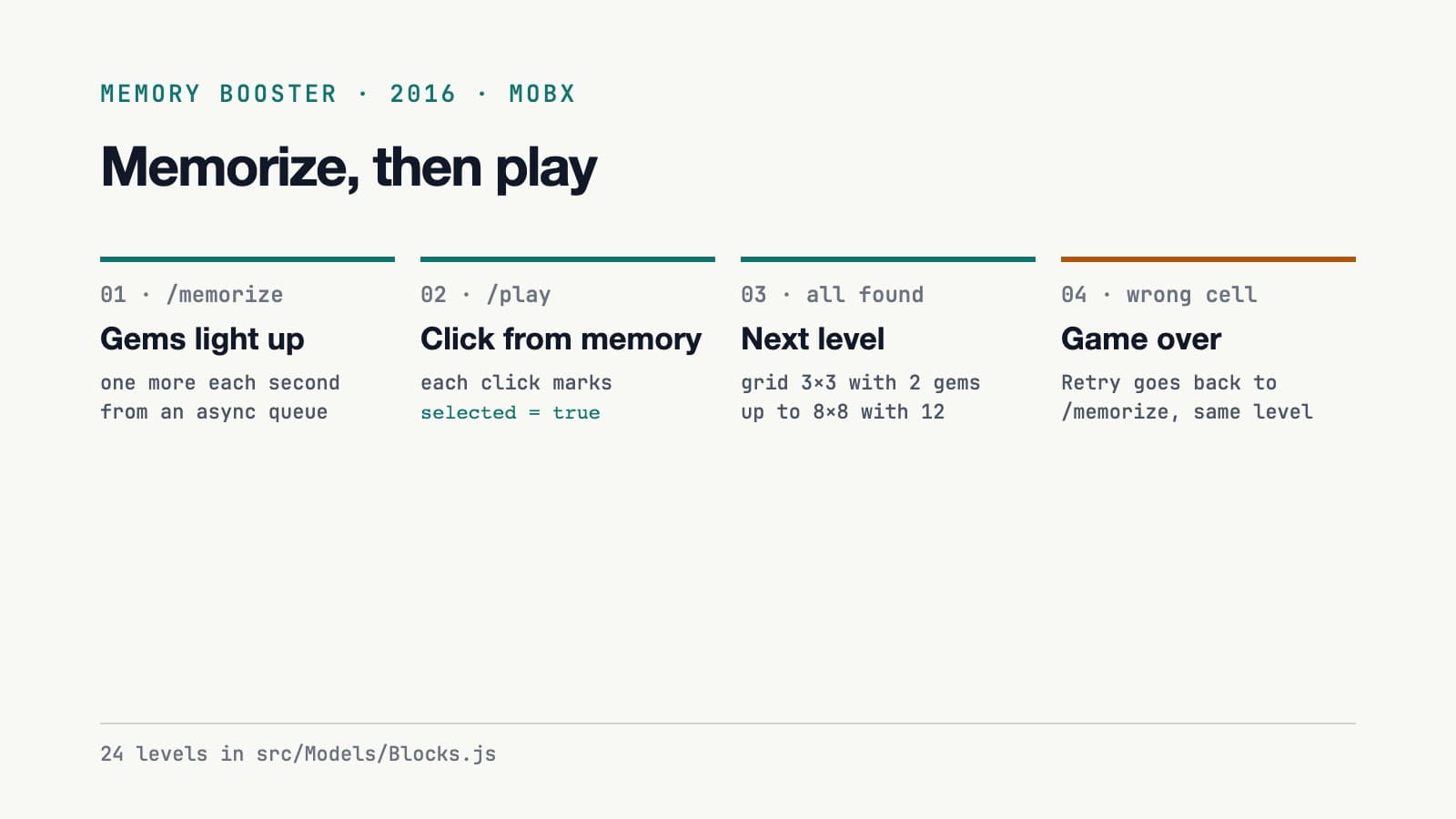
The memorize screen reveals the gems one at a time. I used an async queue with a concurrency of 1, so each gem waits for the one before it:
const q = queue((gem, done) => {
  this.setState({ gems: [...this.state.gems, gem] }, () => setTimeout(done, 1000))
}, 1)

q.drain = () => this.props.router.push('/play')
gems.forEach((gem) => q.push(gem))
Each gem stays lit, one more appears every second, and when the queue drains the router moves to the play screen. A queue is heavy for "wait a second between items". But it read clearly, and the drain callback was a natural place to change screens.
The play screen checks every click:
block.selected = true
const left = leftBlocks(blocks).length

if (!left) {
  increaseLevel()
  setTimeout(() => findDOMNode(this.refs['memorizeBtn']).click(), 1000)
  this.setState({ success: true })
} else if (block.gem !== true) {
  this.setState({ gameOver: true })
}
leftBlocks returns the gems that aren't selected yet. When none are left, the level goes up and a "You are awesome" overlay appears. After a second, the code clicks its own link back to the memorize screen.
Today I'd call the router directly. In 2016, string refs and findDOMNode were the normal way to reach the DOM.
Jest snapshots were new
Jest snapshot testing had shipped a few months earlier, and I wanted to try it. The repo has plain unit tests for the model and snapshot tests for the components:
it('should generate random gems', () => {
  const board = new BlocksBoard()
  board.level = 0
  board.generate()
  expect(board.gems.length).toEqual(2)
})
The model test is the one I still like. It checks the count, which is the only thing a random function can promise. The snapshots, on the other hand, had gone stale by the time I cleaned the repo up this year, and I had to regenerate them.
What didn't hold up
- No upper bound on levels. After level 24,
this.levels[this.level]is undefined and the destructuring throws. - No score and no saved progress. A reload starts you from level 1.
- Fixed 50 pixel cells. An 8 by 8 grid is 400 pixels wide. Fine on a laptop, cramped on a phone.
Was it worth it?
The game's commits span ten days, and it gave me a real feel for MobX: what observable state buys you, and what decorators cost in build setup.
My takeaway: if you're avoiding a hard task, a small side project with one new library in it isn't the worst way to spend the time. Just keep it small enough to finish.
Resources
Related posts
- BanglaABC123: a number matching game I built for my kids
My kids had exams on numbers in English and Bengali, so I built a small matching game: tap a card, hear the number, find its pair in the other script. No ads, no accounts.
- devutils: 33 browser-only dev tools and what the README overstated
devutils runs JSON, JWT, SQL and Base64 tools in the browser with no network calls. I checked the README against the code: the privacy claim holds, the 35+ tool count did not.
- Four OpenTabs plugins for Facebook, Greenhouse, Toptal and Upwork
Four open-source OpenTabs plugins give a terminal agent 22 tools in my logged-in Chrome to triage friend requests, fill job forms and update freelance profiles.