- Published on
Go berserk: one night with Grok Bot, Orca and every gate still on
- Authors

- Name
- Nadim Tuhin
- @nadimtuhin
On this page
On Monday night my Grok Bot usage meter reset, with two days to use all of it. So I typed the most fun message I've sent all month:
go berserk, grokbot usage was reset and 100% to consume in just 2 days
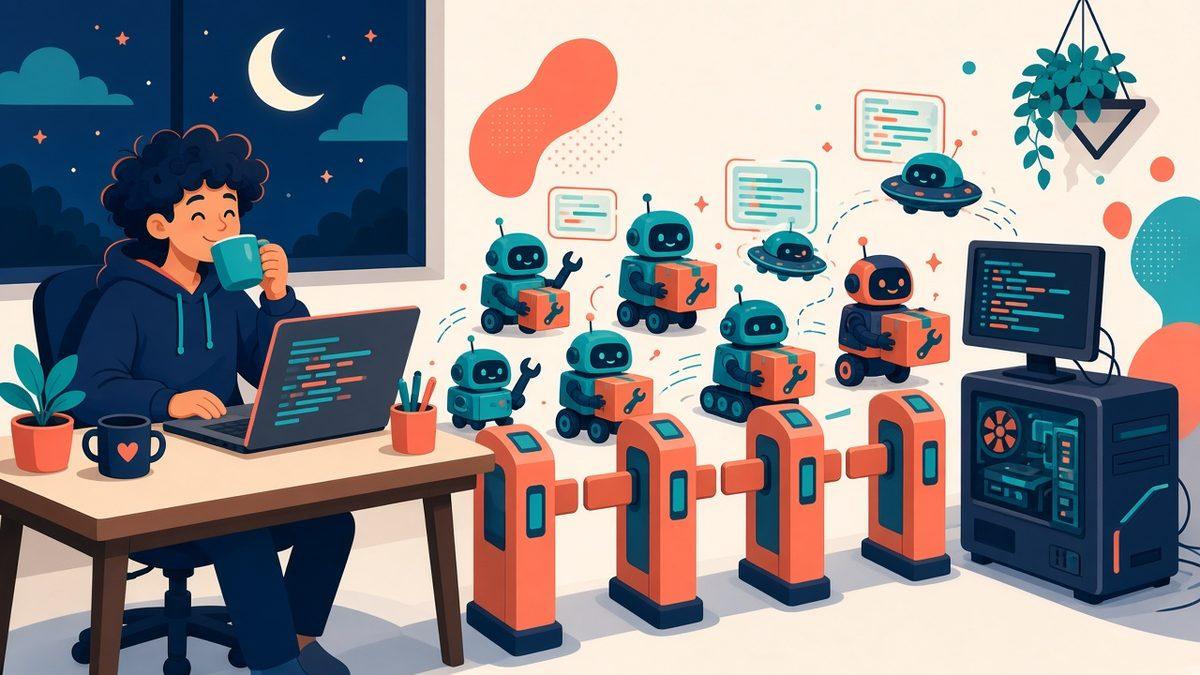
What followed was one of the best nights of building I've had in a while. It was me, a fleet of about two dozen Grok Bot teammates, two Macs and a Windows PC at home. By 3 AM Dhaka time we had Grok Build and Orca on the Windows PC, a new bot for my brain dumps, a new bot for my taxes, fresh icons for every bot, and 56 refreshed posts on this blog.
The part I care about most is what didn't change. Every order kept the review, test, security, send and merge gates on.
Going berserk, with the brakes still wired
When I said "go berserk", Grok Bot passed the order to every group of bots, and every message carried the same promise: every review, test, security, send and merge gate stays. The follow-ups added one more line: don't kill processes you didn't start.
That last line exists because of how the evening started. My Mac was running hot, so the first order of the night was the opposite of berserk: one background job at a time on it, and close any idle sessions you opened. Soon after "go berserk", I asked them to max out all three machines, and followed up with "everyone usage grokbot to the highest". The bots switched modes without anyone losing track of whose processes were whose.
Then I changed my mind about priorities, twice. A client project got first claim on the machines until 3 AM. My Shikho work kept going alongside it, and everything else slowed down. I told Grok Bot "after 3am everyone goes wild", so it set a one-time 3 AM routine that woke every group, told them to go all out, and then deleted itself.
I never wrote a scheduler or a config file. I just said what I wanted.
What I asked for, and what held
Here's the night in one table. The left column is roughly what I typed. The right column is the gate that stayed on while it happened.
| What I asked for | What my teammates did | The gate that held |
|---|---|---|
| "go berserk" | Lifted the save-usage rules for every bot for two days | Review, test, security, send and merge gates unchanged |
| Grok Build on the Windows PC, reachable over SSH | Installed Grok CLI 1.0.77 natively, then set up SSH from both Macs | The admin key change waited for my one click, and the config was backed up first |
| "also install orca terminal in windows" | Installed Orca 1.4.255 on the Windows PC and on my Mac | Official GitHub release only, checksums matched, installers signed |
| "why is microsoft defender taking all cpu" | Found the cause and proposed a narrow fix | Nothing disabled or killed without my okay |
| "update all my blogposts" | Rewrote and republished 56 posts with new illustrations | An independent review for every post, and held posts were fixed and reviewed again |
| "create my tax bot" | Set up a Tax bot that prepares my documents | It never files, pays or sends anything without my go-ahead |
Orca joins the crew
Orca by Stably is an open source app for running a fleet of coding agents side by side, each one in its own git worktree. It works with Claude Code, Codex, Grok and plenty of other CLI agents. That last one matters to me, because Grok Build had just landed on the same Windows PC.
I asked for it on Windows, then on my Mac too. Grok Bot downloaded the installers from Orca's official GitHub release, checked the checksums, confirmed both were signed, and only then installed them. I haven't launched it yet, so the side-by-side agent runs are still ahead of me. That night was about getting it onto both machines the safe way.
The Defender moment
Then the Windows PC started crawling, and I asked "why is microsoft defender taking all cpu".
Grok Bot found that Defender's scanning process was using about 76% of the PC's 8 cores. A pnpm install and a global npm install were writing thousands of small files, and Defender scanned each one as it landed.
The fix it proposed was narrow. It would exclude only the package caches and toolchain folders from live scanning and leave everything else protected. The Windows admin prompt came back "Access is denied", so nothing changed. Grok Bot didn't look for a way around it. It told me the spike would settle once the installs finished, and offered to bring the prompt back if I want the exclusions, so I can click Yes on the PC.
That's the behavior I want from a teammate with access to my machines. When a security setting is involved, my click is the gate.
The fun part: icons, a second brain and a tax bot
Not everything was serious. I asked for "a better icon for each bot", and it turned into a design sprint across all 24 bots.
The first round was generated artwork in one shared style. I asked for SVG instead, then said it looked bad and asked for different styles for different projects. Then I changed my mind again: "i liked the animated bots, make the svg bots animate? and each group of projects should be easily identified using their theme". So each project family got its own shape, palette and kind of motion.
The bots also ran into two real limitations on the way. Avatars only accept PNG, JPEG, WebP or GIF, so each animated SVG is rendered frame by frame into a looping GIF. And with the default gradient settings, perfectly straight horizontal or vertical strokes vanished when rendered. Grok Bot found the fix and wrote it into the shared style guide so the other bots wouldn't trip on it.

Two new teammates joined too. I asked for "a bot named brain dump or something fun" that takes links, skills and videos and organizes them in Notion as a knowledge graph. Second Brain went live right away and started setting up its Notion databases. Then I said "create my tax bot". Its first move was to ask me questions instead of guessing, and its rules say it never files, pays or sends anything without me.
Meanwhile, the blog got a makeover
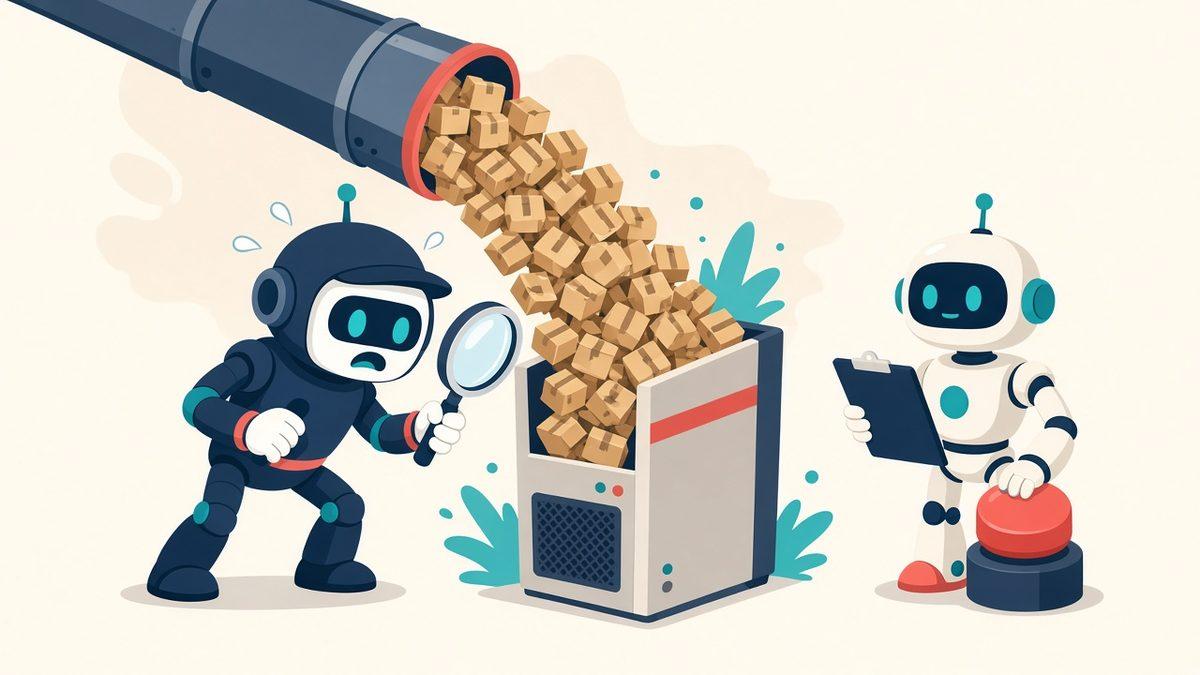
While all of that ran, another Grok Bot teammate was refreshing this blog with illustrated covers. Between 1:54 and 2:50 AM it republished 56 posts, and every one went through an independent review first.
The reviews earned their keep. They held a few posts back. One security guide got its nginx rules rewritten and tested on a real nginx build before it went live. One review caught an edit that had quietly turned my "three months of experimentation" into "a few weeks", a detail nobody had confirmed. It now says "after experimenting for a while". An AI that catches another AI inventing a detail about my own life is exactly the safety net I want.
The lesson I keep relearning
When I say 100x, I don't mean a hundred people. I mean one person whose output scales because the work runs in parallel and the checks never switch off.
In practice, that night looked like this:
- I said what I wanted, in plain words, often with typos.
- The teammates fanned out across machines and did the work.
- The only things that needed my hands were a
grok loginand one admin click for SSH. - Every risky step waited for review or for me.
Speed came from the fleet. Safety came from gates I never turned off. That's the method I teach, and that night was a fun demo of it.
Related posts
- Hermes Agent: nightly cron jobs and skills learned from corrections
Hermes runs nightly CLI updates, a security PR scan every 6 hours and a 30-minute autoheal job. Every correction I make becomes a skill file. Hermes drafts, I send.
- 9agent: run Claude Code, Pi or Hermes on any model with one command
A small launcher that points Claude Code, Pi or Hermes at a 9Router gateway, lets me pick any model, and can run the agent in Docker. It never rewrites configs.
- Herdr: how my MacBook Pro connects to Ubuntu terminals on a Windows PC
How I use Herdr to reach persistent Ubuntu terminals on a Windows PC from my MacBook Pro, so agent sessions survive a closed laptop.